Common MacBook Screen Problems and Their Solutions
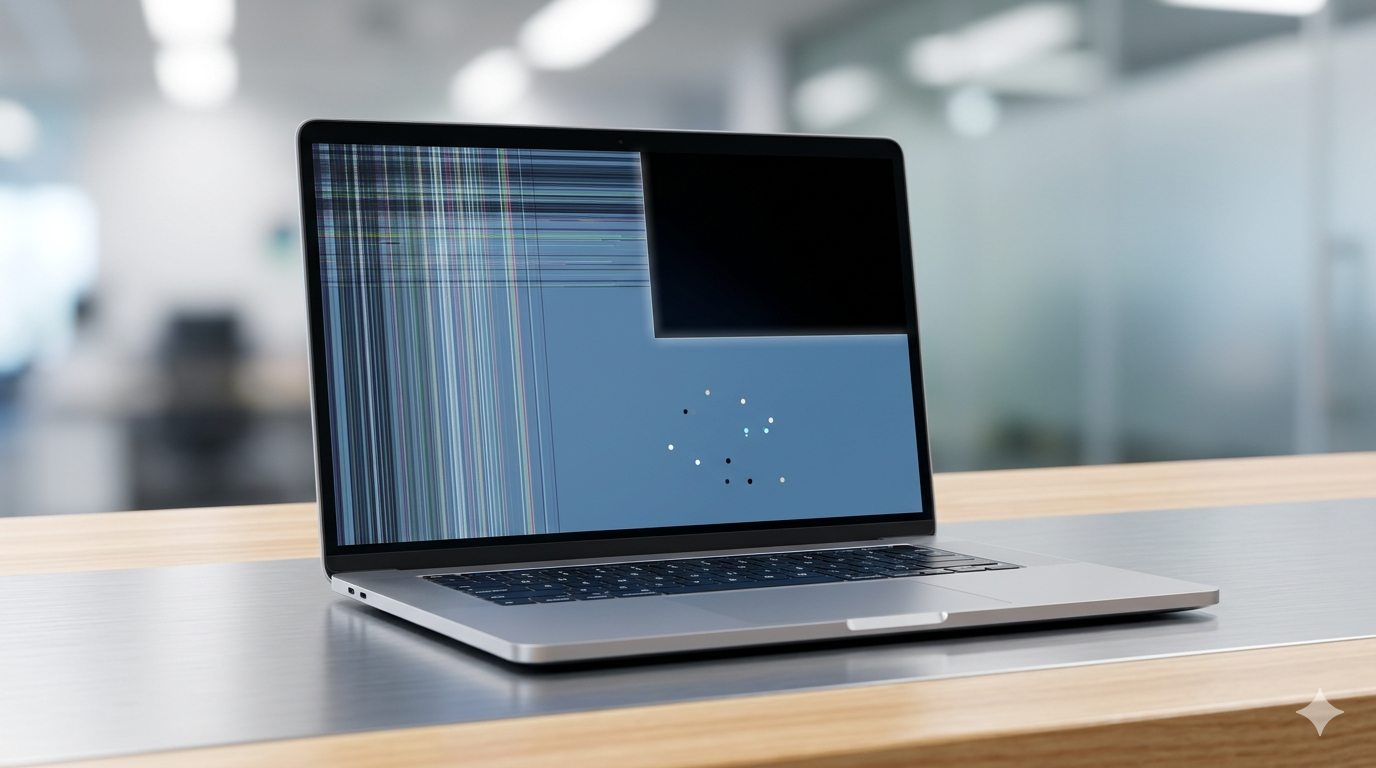
MacBook screens are known for their clarity, but over time, users may face issues like flickering, dead pixels, or complete display failure.
Understanding these problems early can help you take the right steps to fix them and avoid expensive repairs or permanent damage.
1. Flickering Screen
A flickering screen is one of the most common issues faced by MacBook users. It can be caused by software glitches, loose connections, or hardware faults.
Restarting your device or updating macOS may fix minor issues, but persistent flickering usually requires professional inspection.
2. Dead Pixels or Display Lines
Dead pixels appear as tiny black or colored dots, while lines may run across the screen due to panel damage.
These issues are typically hardware-related and often require screen repair or replacement to fully resolve.
3. Black Screen Issue
If your MacBook turns on but shows a black screen, it could be due to display failure, backlight issues, or internal damage.
In such cases, professional diagnosis is essential to identify whether the issue lies in the screen or logic board.
4. Dim or Low Brightness
A dim screen can result from backlight problems or incorrect display settings.
Adjusting brightness settings may help, but if the issue persists, it may indicate hardware failure.
Conclusion
MacBook screen issues should never be ignored, as they can worsen over time. Early diagnosis and timely repair can save both cost and device performance.
If you're facing any of these problems, it's best to consult professional repair experts for accurate solutions.